A PDF can be too large to email because it contains high-resolution photos, scanned pages, or several embedded files. Before trying to shrink it, identify what matters in the document: readable text, clear evidence, or print quality. Make a smaller copy and compare it with the original instead of overwriting the only version.
Find what is making the file large
Check the file size and think about how the PDF was made. A text-only report is usually small, while a document made from full-page photos can be much larger. If the same image appears repeatedly, or the PDF includes pages that the recipient does not need, those may be the best places to reduce size.
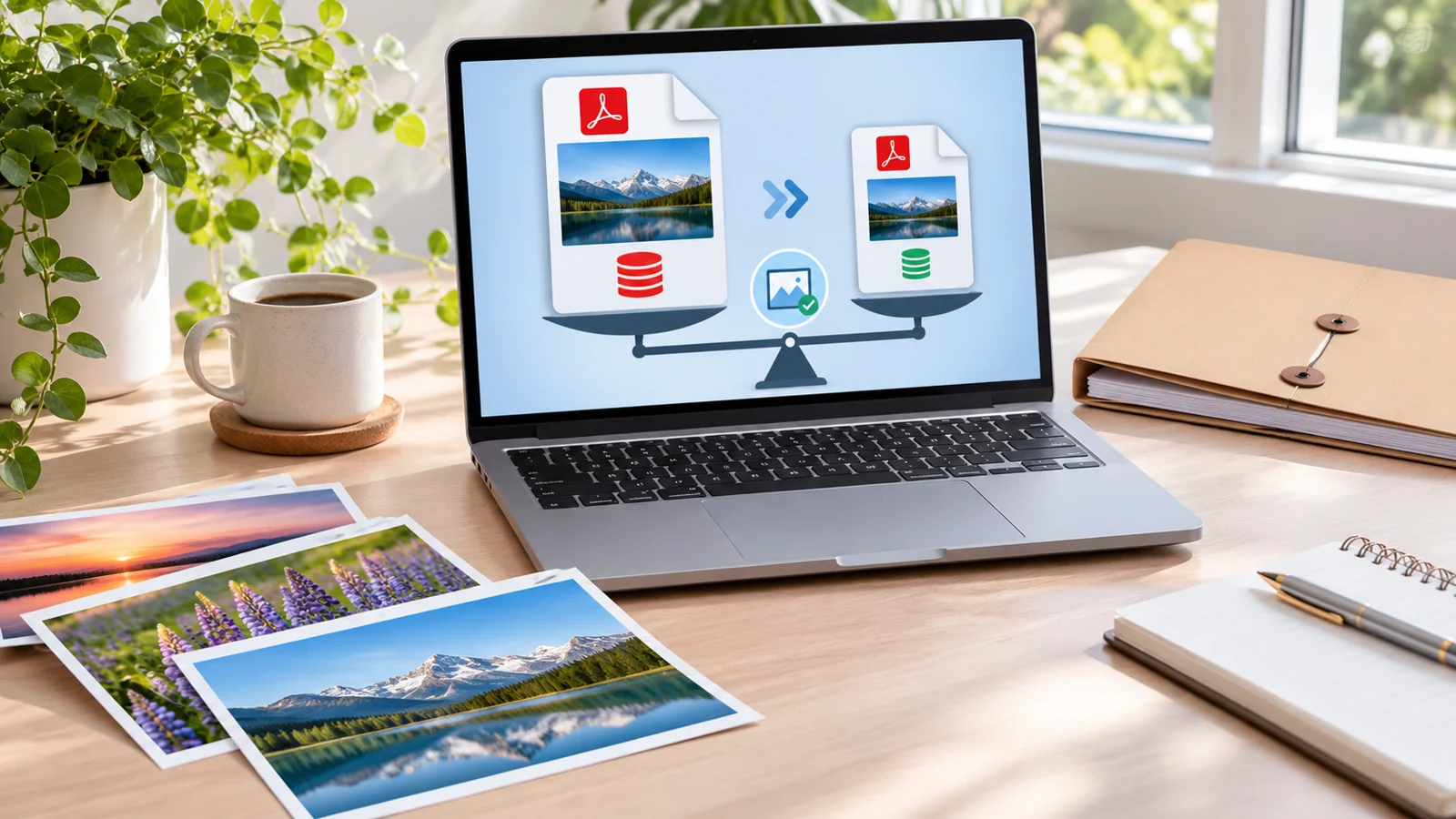
Create a smaller copy carefully
- Keep the original PDF as a backup.
- If you control the source document, reduce oversized images before exporting again. Choose a resolution appropriate for the recipient’s use; print evidence may need more detail than a screen-only handout.
- If some pages are unnecessary, create a separate copy containing only the pages the recipient needs. SupUser offers an Extract PDF Pages tool for selecting pages, but page extraction does not compress the remaining images.
- Save the new file with a different name so you can compare it with the source.
Compare readability, not only size
Open the smaller copy at normal reading size. Check small print, charts, signatures, and any photo used as evidence. Zoom in on the most detailed page and compare it with the original. If important content becomes blurry or unreadable, restore the higher-quality source and try a less aggressive export setting.
When the file still exceeds the email limit
Email services set their own attachment limits, and those limits can change. Check the limit shown by your email provider. If the file is still too large, use an organization-approved file-sharing service and grant access only to the intended recipient. Avoid public links for confidential documents.
Does SupUser currently compress PDFs?
SupUser’s current tool list does not include a PDF compression tool. The PDF tools page lists the available operations; do not expect page extraction, rotation, or merging to reduce file size automatically.
Before sending
- Keep an unchanged copy of the original.
- Confirm the smaller file opens and contains all needed pages.
- Check that text, photos, signatures, and charts remain readable.
- Use a private sharing method for sensitive documents.
A smaller file is useful only if it still serves its purpose. When quality matters more than attachment size, share the original through an approved secure method instead of reducing its detail.
A note on file handling: Keep a backup of each source document, and inspect any downloaded result before sharing it.